Making Smart Home Infrared Heat Actually Work
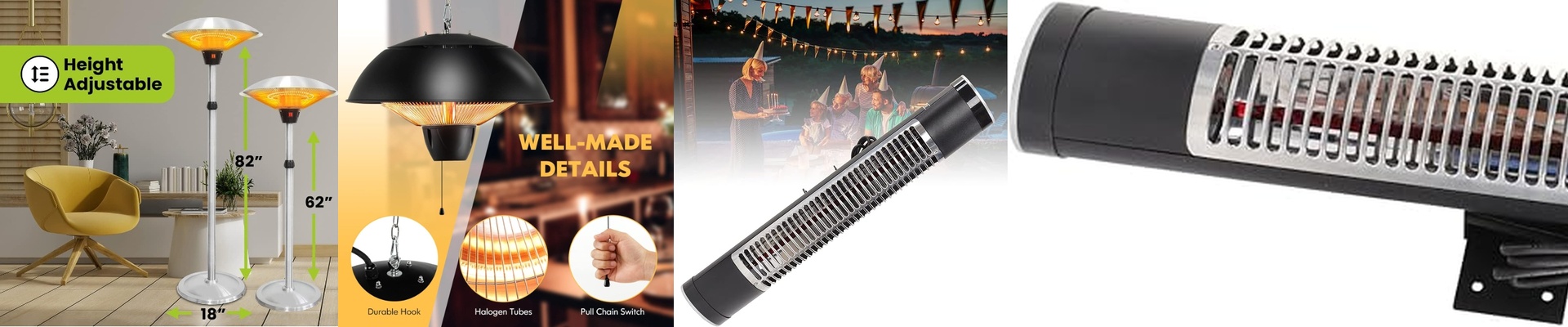
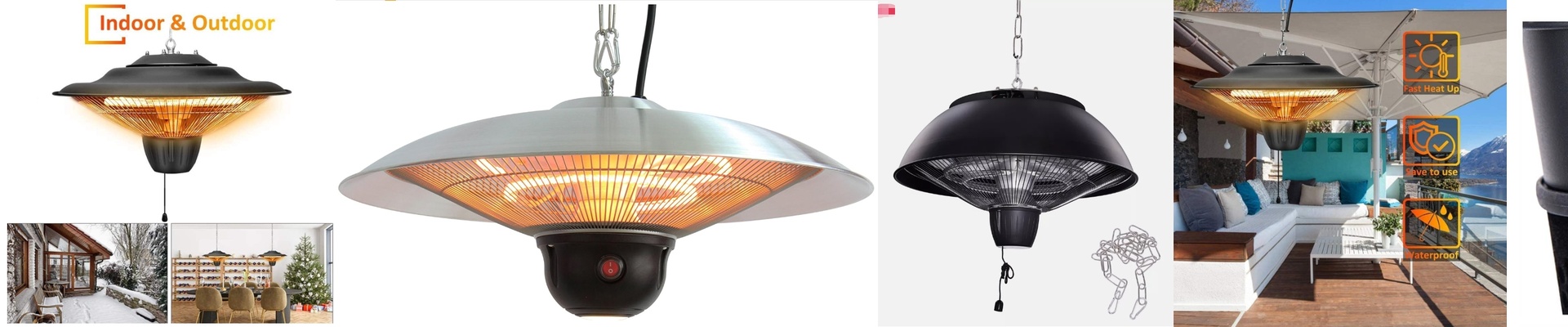
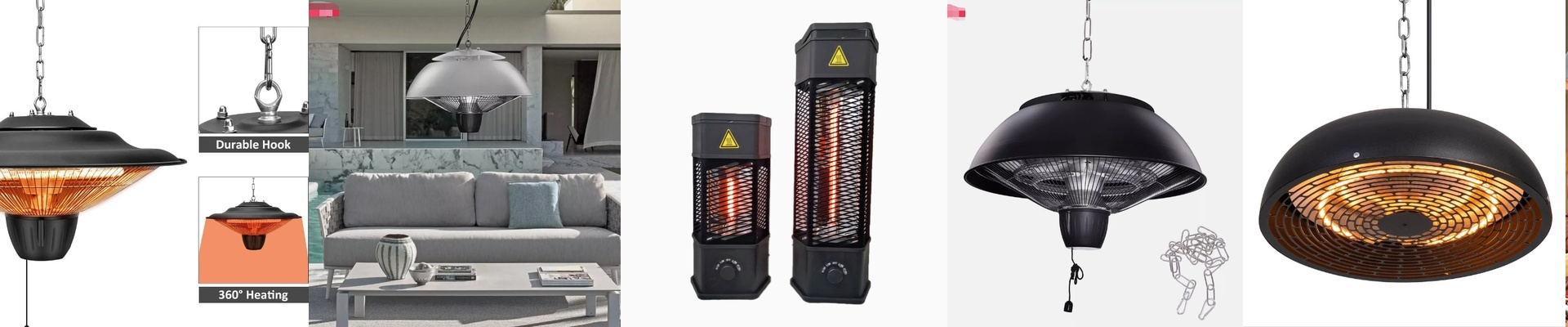
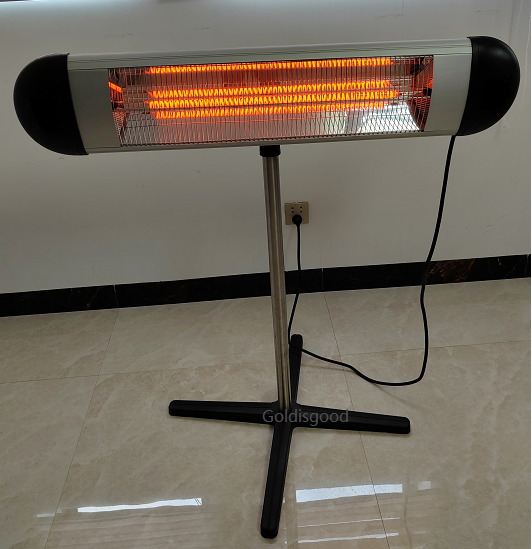
Most heaters just warm up the air, which is kind of a waste because the heat just floats to the ceiling. These infrared elements are different. They beam heat directly onto you and the things around you. When you’re setting these up in a smart home, the whole point is that “instant” feeling. You want to feel the warmth the second you walk in. Getting that instant heat If you want to go from shivering to cozy in a few seconds, you need short-wave emitters. They hit their peak temperature almost the moment the power kicks in. But here’s the catch: you can’t just plug these into any old controller. If you use a cheap one, you’ll deal with annoying flickering or, worse, you’ll fry the filament. You need a power supply that plays nice with fast-switching relays or TRIAC dimmers. Why IP65 actually matters If you’re putting these in a bathroom, a kitchen, or out on the patio, you absolutely need an IP65 rating. The “6” means dust can’t get inside. The “5” means it can handle a spray of water without dying. We use high-temp gaskets to seal the electrical parts because moisture is the enemy here. Without those seals, humidity creeps in, causes a short, and suddenly your heater is a paperweight. Connecting it to your hub Linking these to a smart hub via Zigbee or Matter is the fun part. You can set up a scene so the heater kicks on the moment a motion sensor picks you up. It’s like the house knows you’re cold before you even do. Just a heads-up: these elements pull a lot of power.**Do not use a standard smart plug.**You’ll likely melt it. You need a heavy-duty smart relay or a high-amp contactor that can handle the load. And please, check your wiring. If the wires are too thin, you’ll lose heat output, and the insulation could actually melt. Not a great way to start a winter morning.